




Search for your contact or a specialist in an office or service.
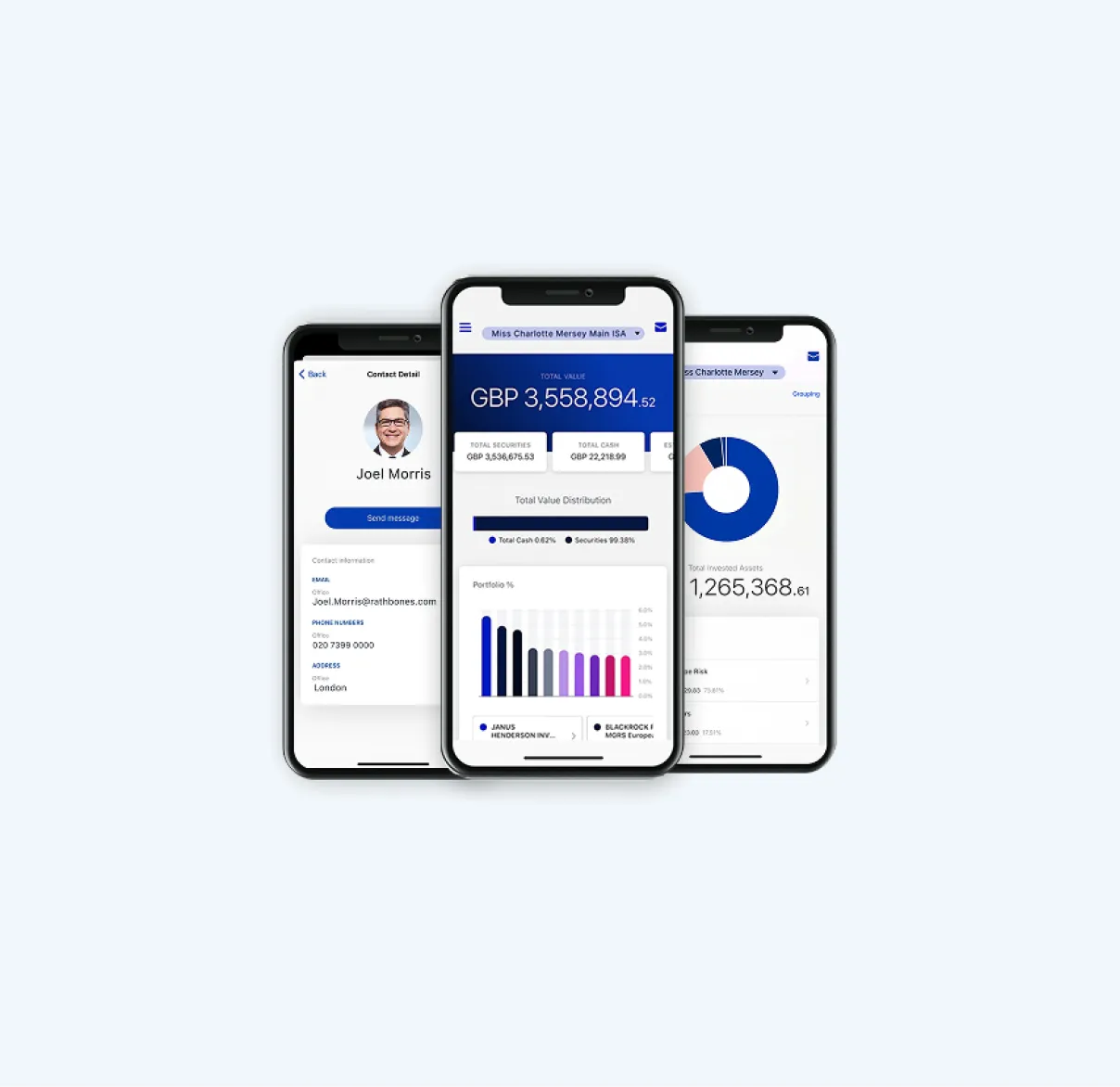
What is MyRathbones?
MyRathbones is our secure online portal and app, designed to give clients a clear view of their investments with us.
You can track your performance, access key documents and stay up to date, whenever it suits you. You can also contact your investment team directly, all in one place.
Log in to MyRathbones through your browser, or download the free mobile app by scanning the QR code below.
For Apple devices
Download on the App Store


For Android devices
Download on Google Play


Need help logging in? Call the helpdesk.
+44 151 243 7677
Monday–Friday 8am–6pm (excl. bank holidays)
MyRathbones key features
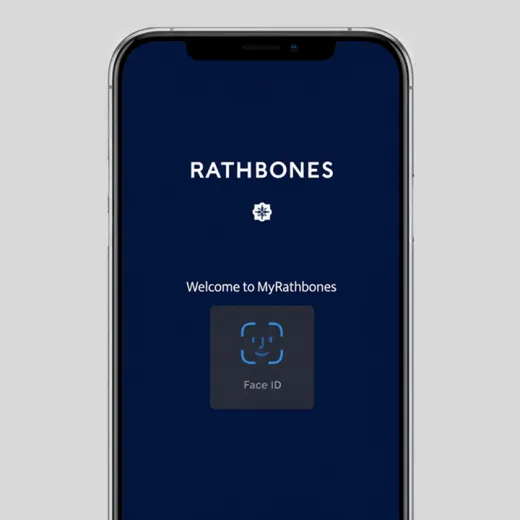
Log in securely with multifactor authentication
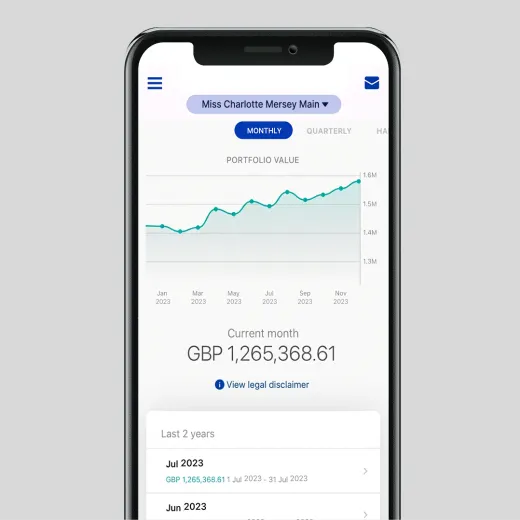
Track your investments’ performance
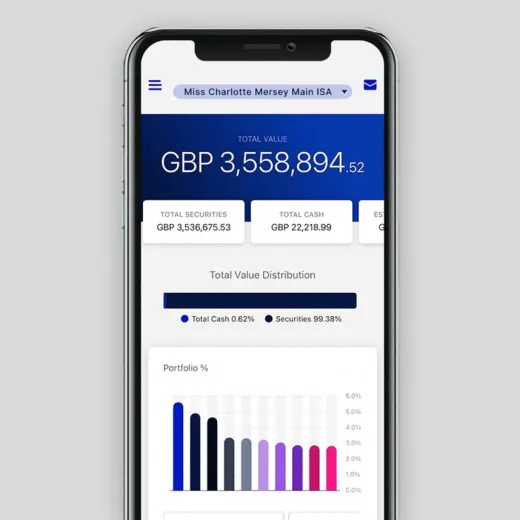
View your total portfolio value, securities and cash
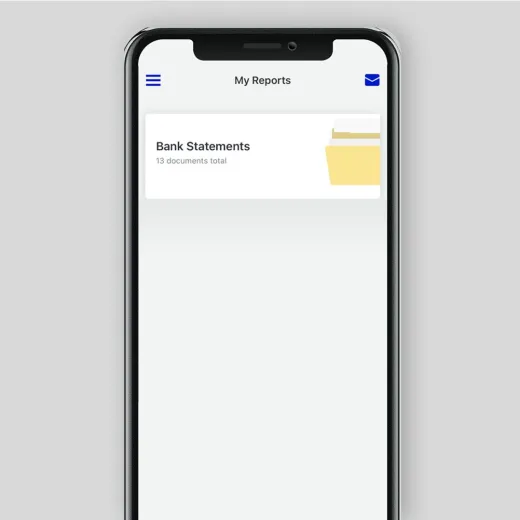
Access and download your latest reports
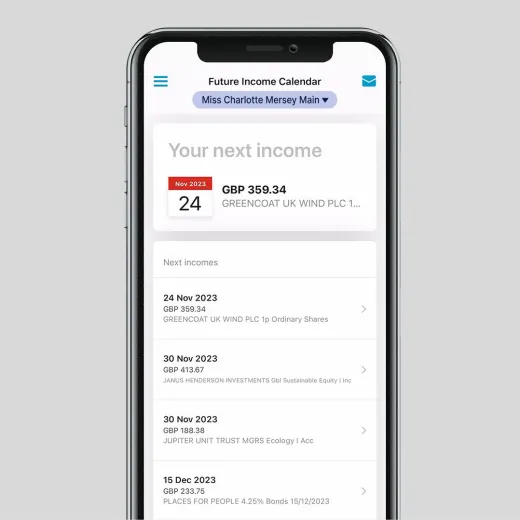
Check your future interest and dividend income
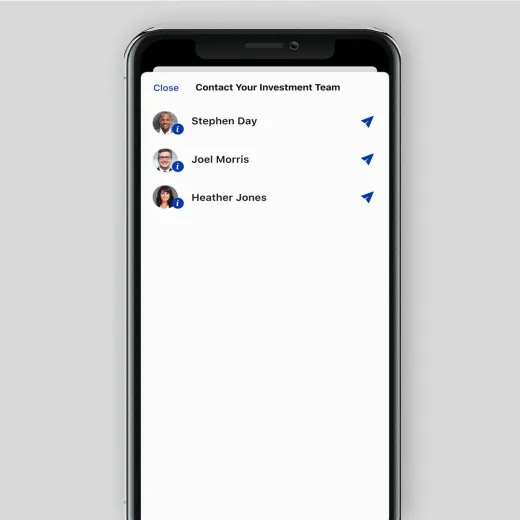
Securely contact your investment team
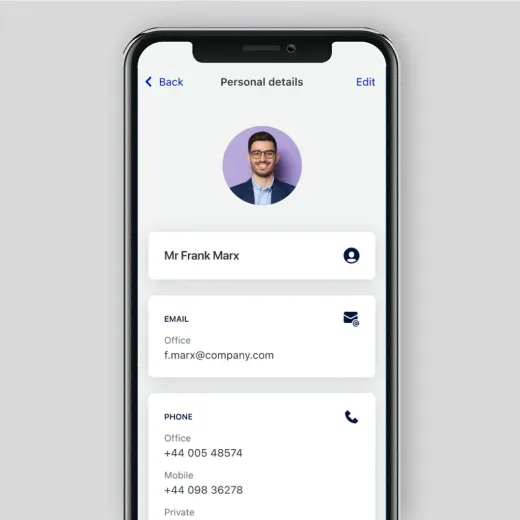
Update your personal details and preferences
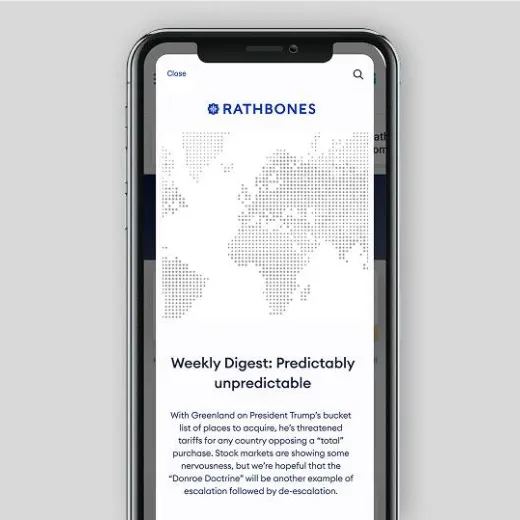
Learn about market trends from our experts
How to register for MyRathbones
As part of your client onboarding, we will send you an invite to MyRathbones via email. This will contain a temporary username and password and instructions to complete your onboarding.
If you haven’t received your email invite, please contact your Investment Manager.
If you’re not a client yet, but would like learn more, get in touch.

Log in securely with multi-factor authentication
We use multi-factor authentication to give your account an extra layer of security. When you log in, you can verify your identity by text, phone call or authenticator app – whichever you prefer.

By text message
We can send you a six-digit verification code by text message

By telephone
We can call you on your landline and you will hear a six-digit code
By authenticator app
You can set up and use your preferred authentication app on your smartphone or as an internet browser extension
Frequently asked questions
Popular questions about MyRathbones
Other information
Reporting and preventing fraud
Discover how to notify Rathbones if you've been a victim of fraud and how we're working to fight fraud.